
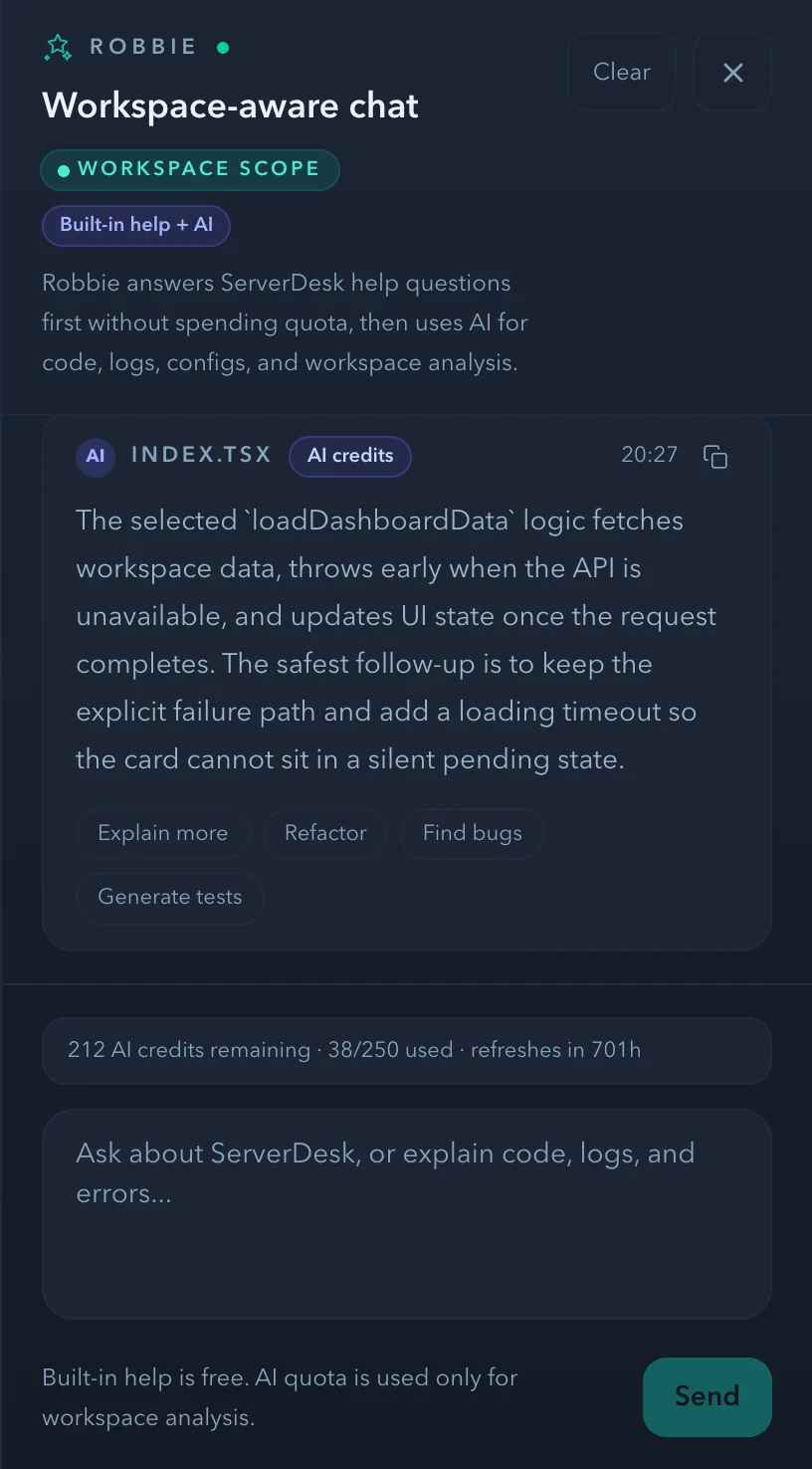
Ten specialist AI agents — Robbie, Mason, Ava, Dexter, Nina, Oscar, Ellie, Leo, Iris, and Finn — each get a unique SVG icon, colour, and role. They surface in the Robbie panel and on Jira action buttons.
What shipped
- 10 custom SVG robot-head icons with unique agent colours
- AgentIcon component with 5 sizes, glow, status dot, decorative mode
- AiTeamActivity collapsible section in RobbiePanel
- Agent badges on all 6 Jira workflow buttons
- CSS variable architecture: [data-agent] selectors, no inline styles
- Reduced motion support for glow + status animations
- ai-agents-config.ts for future /ai-team marketing page
The story
It's not just Robbie. There are 10 AI agents working in your ServerDesk workspace. Meet the team.
ServerDesk is a cloud IDE that connects directly to your server via SFTP or SSH. There is no container spin-up, no sandboxed environment, and no abstraction layer between you and your infrastructure. You work with your actual files, on your actual server, from the browser.
Every feature in this release is live and available to all ServerDesk users from the day it shipped.
Try it yourself
Open [serverdesk.dev](https://serverdesk.dev/register), connect your server, and the new capabilities are there waiting for you. The Starter plan is free — no card required.
*Published by the ServerDesk team · 27 June 2026 · AI*