Free
Free
A practical starting point for a single remote server workspace. No credit card required.
1 server connection
- File explorer and editor tabs
- Browser terminal access
- Robbie built-in help included

Server Monitoring
The server monitoring panel shows real-time CPU usage, memory pressure, disk space, uptime, and running processes for any connected server — so you can assess health before and after making changes.
CPU Usage: ████████░░ 78% (4 cores)
Memory: █████░░░░░ 52% (4.1 / 8GB used)
Disk /: ████████░░ 81% (32 / 40GB used)
Uptime: 14 days, 3 hours
Load avg: 1.2 0.9 0.8
Capabilities
Live gauge of CPU load and memory usage so you can see whether a server is under pressure before you deploy or restart services.
Per-filesystem disk usage so you catch a filling volume before it causes an outage.
Server uptime and 1/5/15-minute load averages give a quick health snapshot at any moment.
Top running processes ranked by CPU and memory — spot a runaway script or unexpected process immediately.
Ask the AI to interpret unusual metric patterns and suggest investigation commands.
Metrics are collected over the existing SSH connection — no monitoring agent, daemon, or open port required.
Use cases
Concrete workflow
Step 1
Check CPU and memory before deploying a memory-intensive migration
Step 2
Spot a runaway PHP process causing 100% CPU on a WordPress server
Step 3
Verify disk space before a large file upload or database dump
See it in action
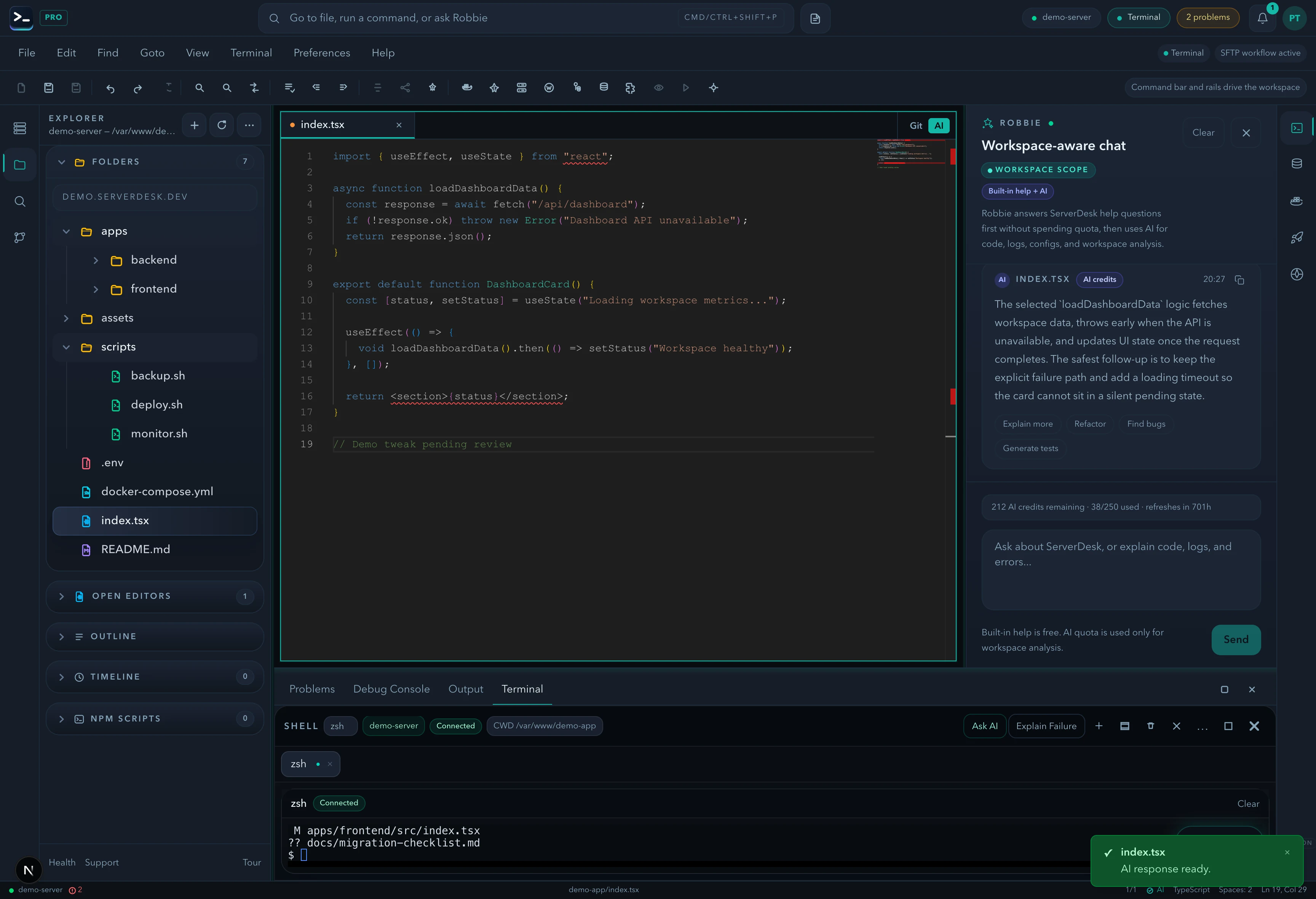
A product-view preview that mirrors the feature workflow described on this page and gives buyers a concrete sense of the UI.
Pricing
ServerDesk pricing is designed around the workflow teams actually buy: how many servers they need to manage, how many people are involved, and when Robbie analysis, monthly AI credits, and safer review workflows become valuable.
Free
A practical starting point for a single remote server workspace. No credit card required.
1 server connection
$9/month
For freelancers and maintainers handling a few active server environments.
3 server connections
$19/month
For developers and operators who need deeper AI-assisted server work, deployments, and source control.
10 server connections
$39/month
For power users managing more environments with a higher monthly AI allowance and priority support.
Unlimited server connections
$79/month
For agencies managing many client environments with higher monthly AI usage and account oversight.
Unlimited server connections
Explore the rest of the ServerDesk workspace.