
Remote editing
Remote code editing with terminal, files, and AI support in one browser workspace
ServerDesk is built for teams who need to open a remote server, inspect files, edit safely, run commands, and keep moving without leaving the browser.
Why teams land here
The workspace combines a familiar editor layout with remote file browsing, terminal access, and AI-assisted troubleshooting. That makes it useful for urgent fixes, scheduled maintenance, log inspection, deployment prep, and everyday server edits across PHP applications, WordPress installs, and custom stacks.
Built for
- Freelancers on client servers
- Small product teams
- Operations-minded developers
AI assistant in this workflow
- Summarize what a file does, explain selected code, and help teams understand legacy PHP, JS, CSS, or HTML before making a change
- Suggest safer code or config updates, identify risky lines before saving, and guide rollback-aware reviews
- Generate shell commands, draft comments or documentation, and compare files or versions during diagnostics
Concrete workflow
What this looks like in the first session
Each workflow page now maps to the actual sequence a customer follows after signup rather than broad product claims.
Step 1
Open the target file from Explorer and keep the active connection visible before making any change.
Step 2
Use the bottom terminal to inspect logs, current paths, or framework commands beside the file.
Step 3
Ask Robbie to explain the selected code or error output before saving the fix.
See it in action
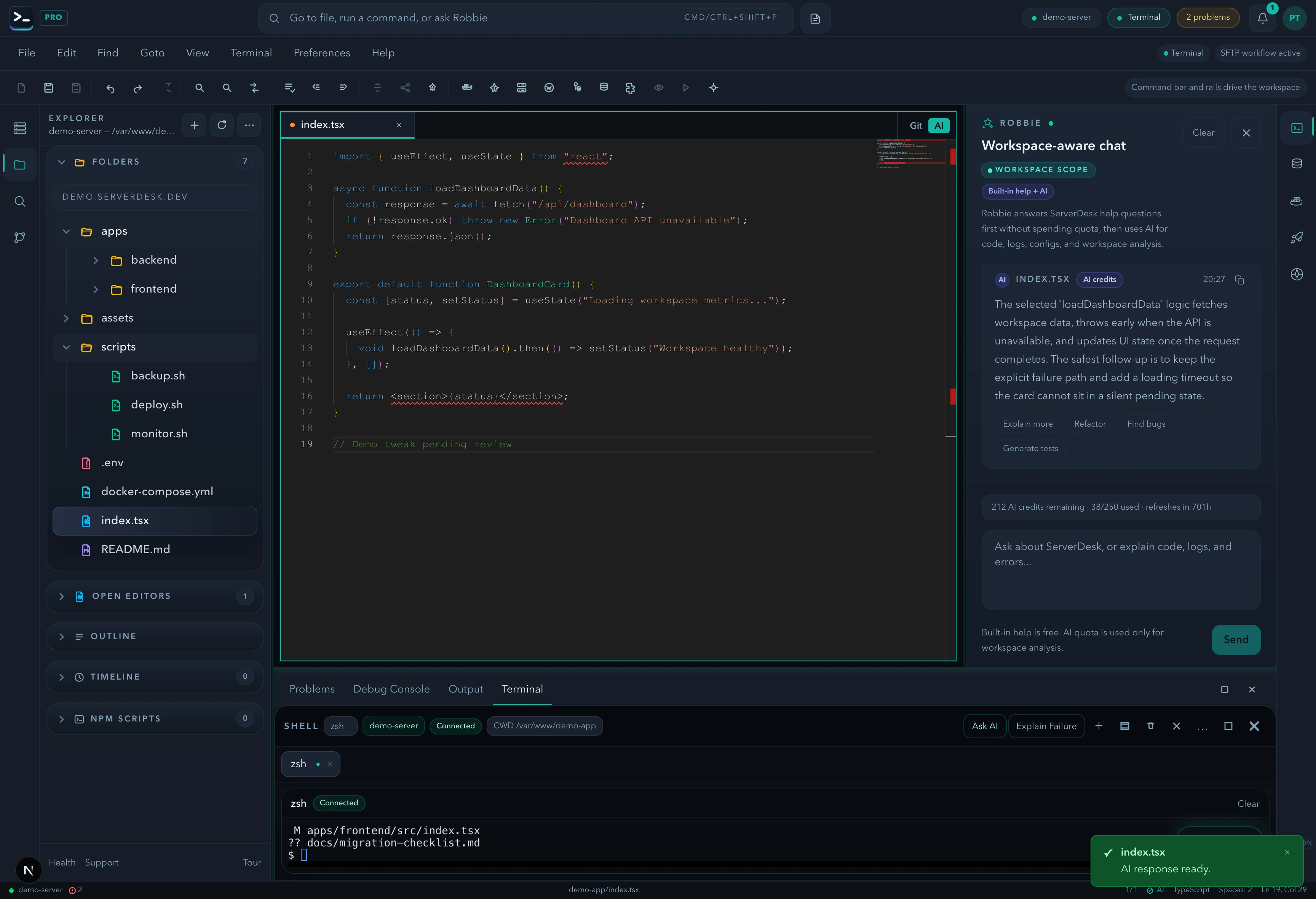
Remote file editing with editor, terminal, and AI in one place
Open any file on your server, edit it in Monaco, check logs in the split terminal, and ask Robbie to review the change before you save — without leaving the browser.
Related pages
Explore the browser-first server workspace from pricing, support, workflow, and team angles.