
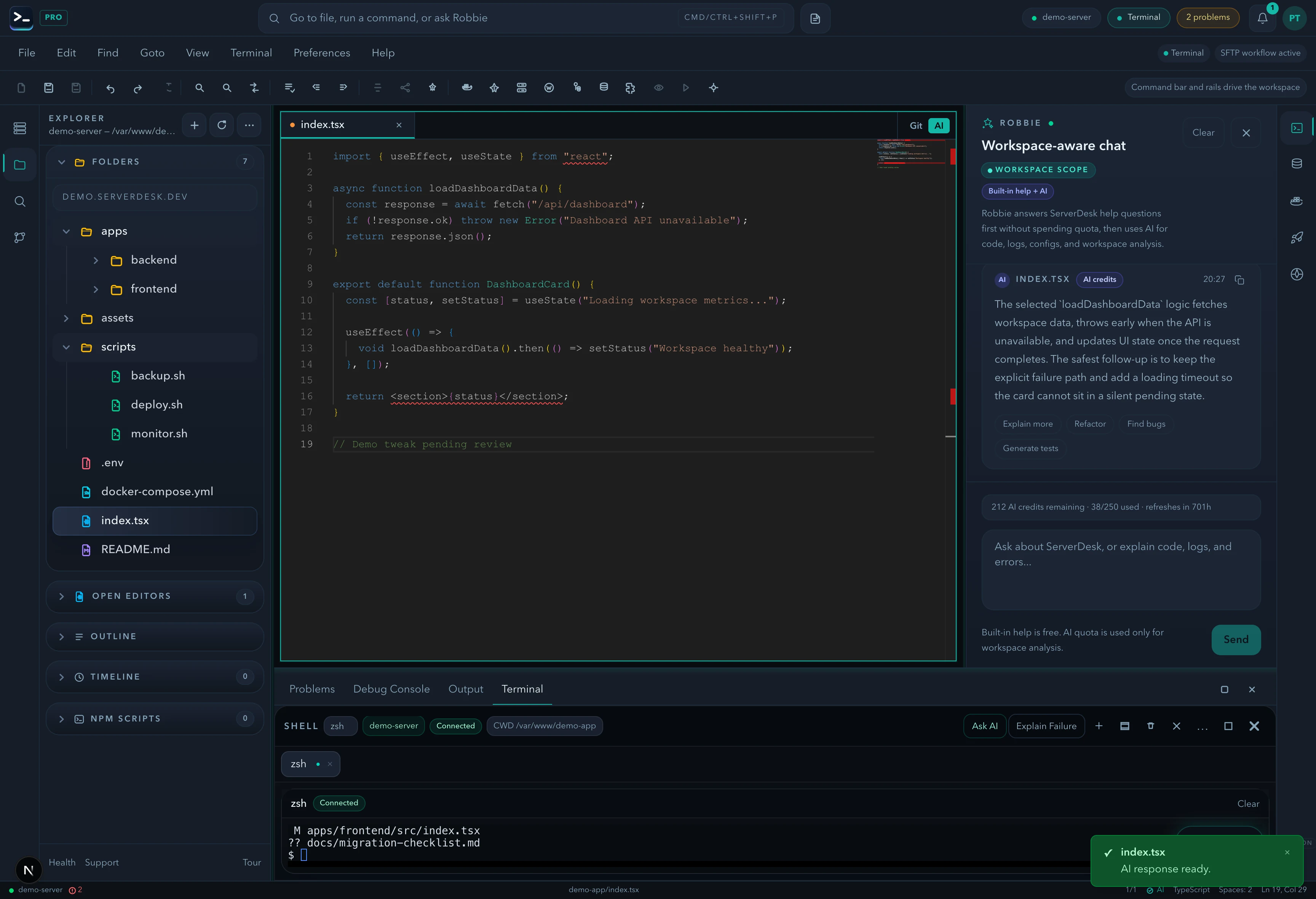
Jira tasks surface inside the IDE. Select a task, prepare context, review changes against acceptance criteria, generate commits, and open PRs — all without leaving the editor.
What shipped
- Work Items sidebar with project/sprint/task browser
- Active task selection that propagates context to Robbie
- Prepare Task — Robbie reads the task, files, and git state
- Review My Changes — Robbie compares against Jira acceptance criteria
- Generate Commit Message — Mason agent produces conventional commit
- Generate PR — PR description drafted with task summary
- Agent icons (Mason, Nina, Robbie) on each Jira action button
The story
Your Jira task is now a first-class citizen in your IDE. Robbie reads it, plans it, and helps you ship it.
ServerDesk is a cloud IDE that connects directly to your server via SFTP or SSH. There is no container spin-up, no sandboxed environment, and no abstraction layer between you and your infrastructure. You work with your actual files, on your actual server, from the browser.
Every feature in this release is live and available to all ServerDesk users from the day it shipped.
Try it yourself
Open [serverdesk.dev](https://serverdesk.dev/register), connect your server, and the new capabilities are there waiting for you. The Starter plan is free — no card required.
*Published by the ServerDesk team · 27 June 2026 · AI*