
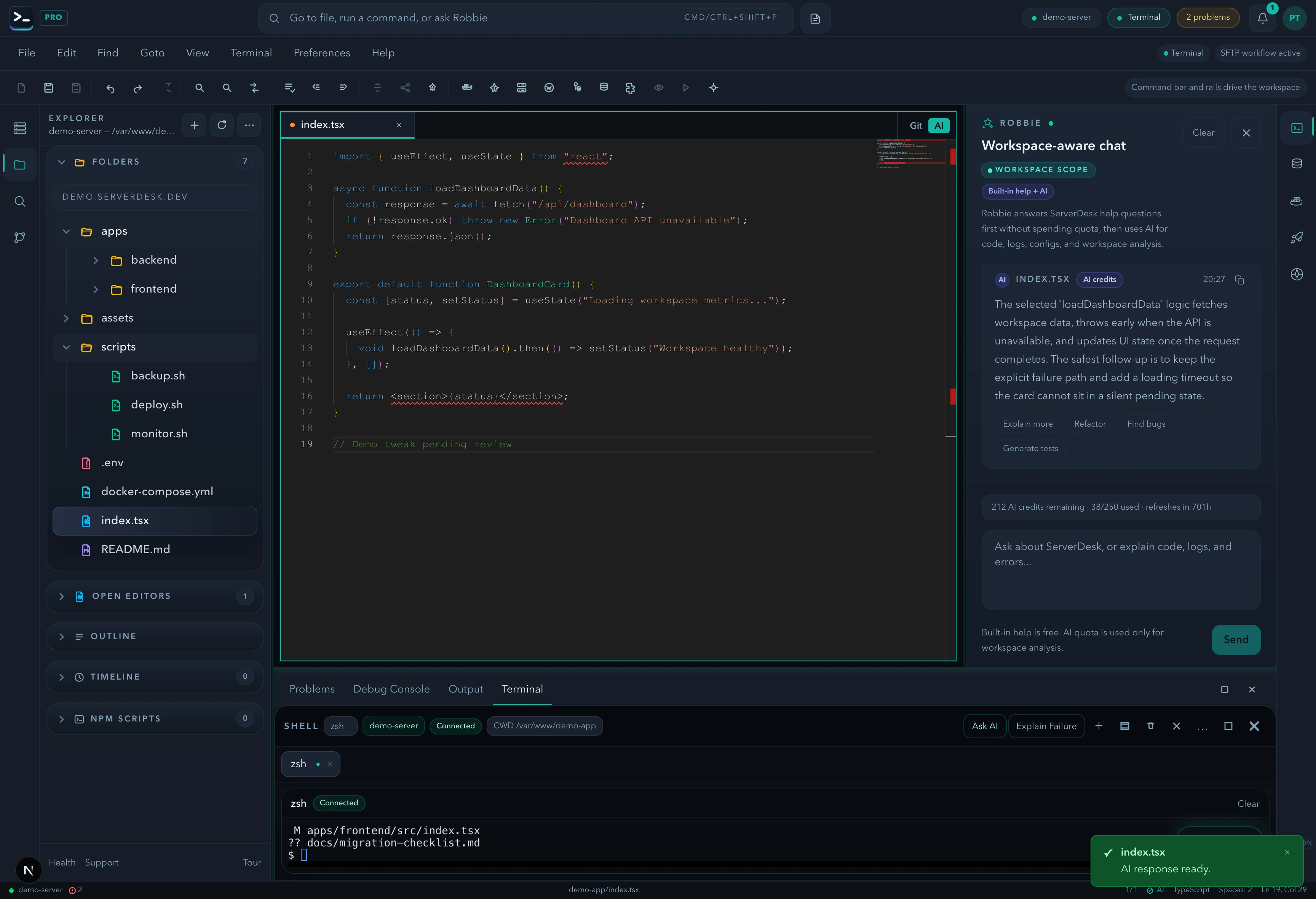
Create new files from scratch without a name. When you're ready to save, a Save As dialog prompts for a destination path and filename — then uploads via SFTP.
What shipped
- New Untitled tab creation from File menu
- Untitled tab indicator in editor tab bar
- Save As dialog with workspace-aware path picker
- SFTP upload of final file to chosen path
- Dirty-state tracking for unsaved untitled content
The story
Start typing. Save wherever you want. Untitled files with Save As are now in ServerDesk.
ServerDesk is a cloud IDE that connects directly to your server via SFTP or SSH. There is no container spin-up, no sandboxed environment, and no abstraction layer between you and your infrastructure. You work with your actual files, on your actual server, from the browser.
Every feature in this release is live and available to all ServerDesk users from the day it shipped.
Try it yourself
Open [serverdesk.dev](https://serverdesk.dev/register), connect your server, and the new capabilities are there waiting for you. The Starter plan is free — no card required.
*Published by the ServerDesk team · 27 June 2026 · Feature*