
Skip to content

Feature · Release Note

Focus Mode

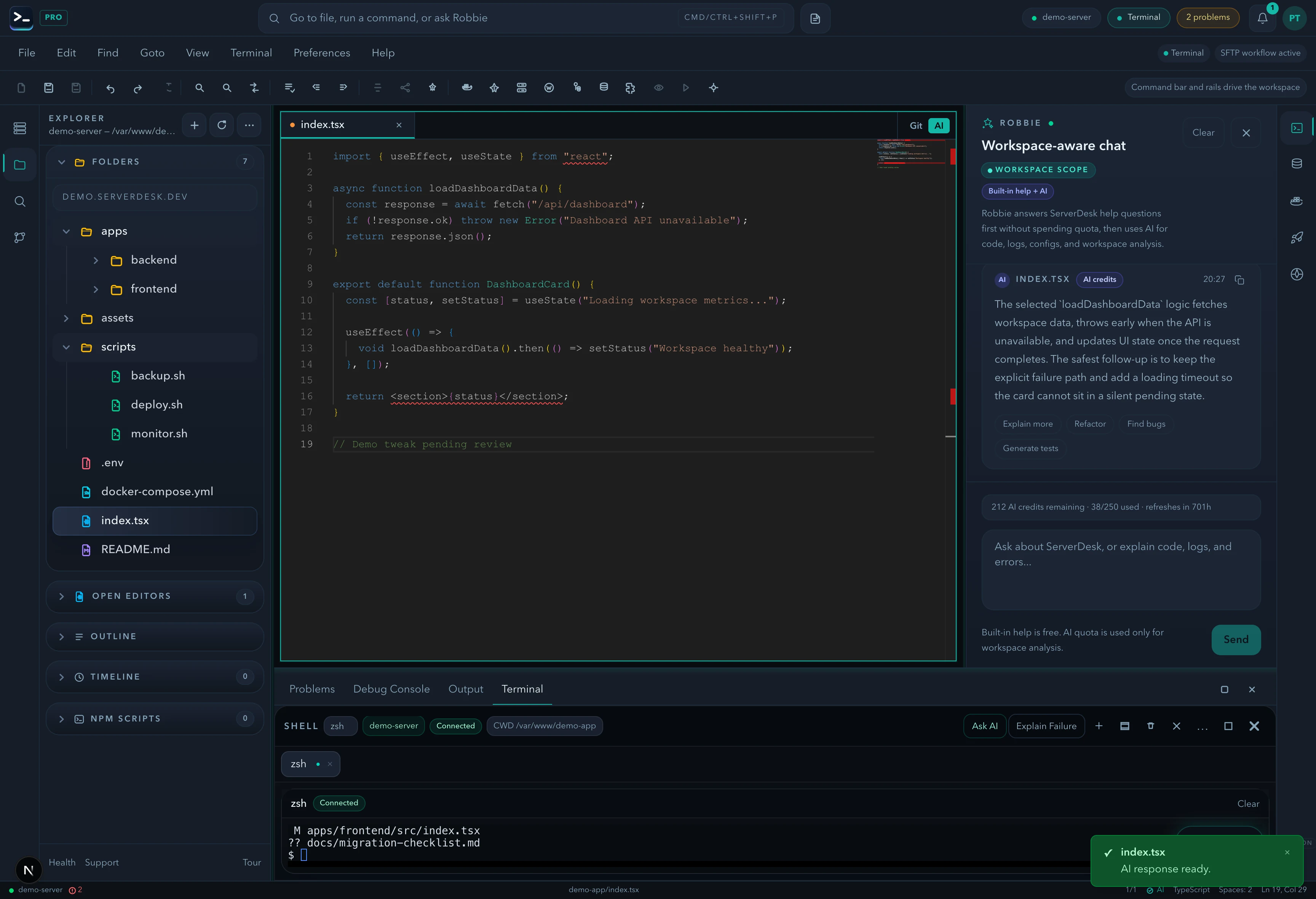
A keyboard-first focus system that locks attention to one panel at a time. Toggle panels into focus with Ctrl/Cmd+Shift+Enter, navigate between focused regions, and exit with Escape.

27 June 2026FeatureServerDesk Team
Focus Mode in ServerDesk

A keyboard-first focus system that locks attention to one panel at a time. Toggle panels into focus with Ctrl/Cmd+Shift+Enter, navigate between focused regions, and exit with Escape.

Changes in this release

  • Ctrl/Cmd+Shift+Enter toggles left/right panel focus
  • Escape exits focus mode
  • Focus trap: Tab key stays within the focused panel
  • WorkspaceFocusToggle button on each panel
  • 10 panels supported: AI, Database, Deployments, Docker, Explorer, Git, Search, Server Metrics, Work Items, WordPress

*Released 27 June 2026 · Category: Feature*

In this release
Ctrl/Cmd+Shift+Enter toggles left/right panel fo…Escape exits focus modeFocus trap: Tab key stays within the focused panelWorkspaceFocusToggle button on each panel+1 more

Next step

Return to the full changelog, compare recent releases, or try the features in ServerDesk.